

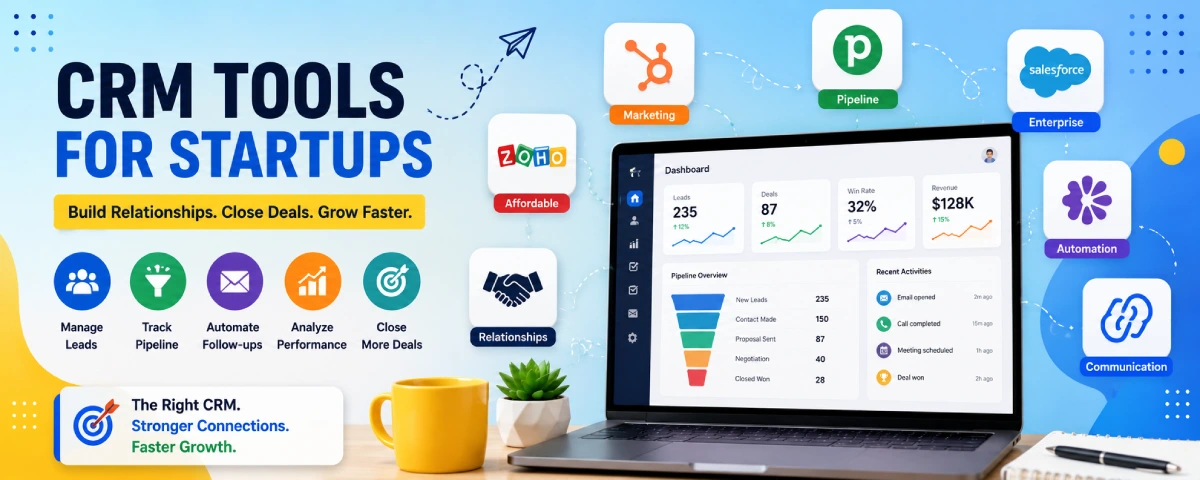
Typically, all startups begin recording leads on Google Sheets or Notion pages. This is all good until the list becomes extensive, follow-ups fall through, and no one knows which prospect was talked to by whom. That’s when a proper CRM stops being optional.
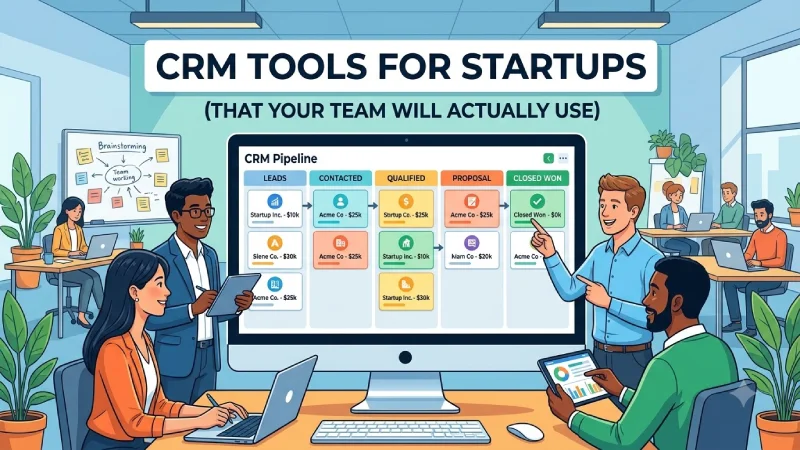
The goal isn’t to buy the fanciest system. It’s to pick something simple enough that the team actually updates it, while still giving you pipeline visibility and room to grow. Here’s what works for startups in 2026.
For the overarching strategy, read our complete guide on Startup Tools
Best CRM for small business / startups
Here’s a clear look at the tools that keep coming up for early-stage teams:
| Tool | Best for | Free plan? | Starting paid price | Why it fits startups |
| HubSpot CRM | Most startups (inbound + sales) | Yes (very strong) | From ~$15–20/user | Free forever CRM + easy upgrade path |
| Pipedrive | Sales-focused teams | Trial only | From ~$14/user | Cleanest visual pipeline |
| Attio | Modern / product-led teams | Yes (limited users) | From ~$29/user | Flexible data model, AI-friendly |
| Zoho CRM | Budget-conscious teams | Yes (up to 3 users) | From ~$14/user | Feature-rich at low cost |
| Close | Outbound / calling-heavy | No | From ~$9–49/user | Built-in dialer and sequences |
| folk | Relationship / founder-led | Yes | From ~$20–24/user | Simple, good for early networking |
HubSpot is your best bet to begin with since the free CRM really pays off (contacts, deals, email tracking, basic reporting). You will be able to keep with the free plan for years and only pay for more advanced automation and marketing tools when needed.
Pipedrive works best if you need to manage your sales pipeline. It has a simple user interface and is quite easy for salesmen to get used to it.
Attio has become extremely popular among tech-oriented startups who need a fresh and flexible CRM without the old-school sales tools.
Free CRM tools for startups
You can go surprisingly far without paying:
| Tool | What’s free | Limits | Good for |
| HubSpot CRM | Contacts, deals, email tracking, forms | Some features locked | Most early teams |
| Zoho CRM | Full features for up to 3 users | User cap | Small teams on a budget |
| Attio | Free for a few users | Seat limits | Testing modern CRM |
| folk | Unlimited contacts on free | Feature limits | Founder-led relationships |
| Google Sheets / Notion | Completely free | Manual work | Pre-revenue only |
HubSpot free is still the strongest “real” free CRM. Most start-ups remain on this model until such a time that they have hired their first salesperson.
HubSpot vs Salesforce vs Pipedrive
This comparison comes up constantly, so here’s a practical breakdown for startups:
| Feature | HubSpot | Pipedrive | Salesforce |
| Ease of use | Very easy | Easiest for sales | Steeper learning curve |
| Free plan | Strong free CRM | Trial only | Trial only |
| Starting paid price | ~$15–20/user | ~$14/user | ~$25/user |
| Best pipeline view | Good | Best | Highly customizable |
| Marketing tools | Excellent (same platform) | Basic | Strong (but separate) |
| Setup time | Fast | Very fast | Longer / often needs help |
| Best for | Growing teams that want one platform | Pure sales teams | Complex / enterprise-bound |
HubSpot – Best overall for most startups. Free plan is usable, marketing and sales live together, and the upgrade path is clear.
Pipedrive – Best if your main problem is “we need a clean pipeline that salespeople will actually update.” Simple and focused.
Salesforce – Powerful, but usually overkill (and more expensive/admin-heavy) until you have a larger sales team or complex enterprise deals. Many startups that start here later wish they had begun simpler.
CRM automation features that actually matter
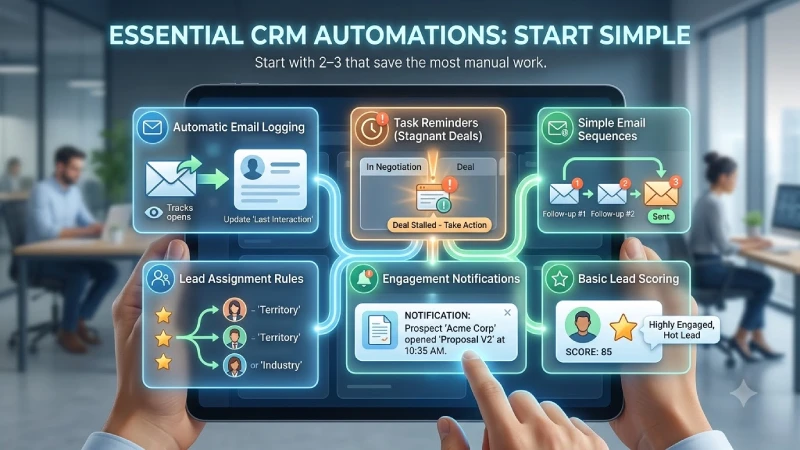
Early on you don’t need complex workflows. The useful automations are:
- Automatic email logging and tracking
- Task reminders when a deal sits too long in a stage
- Simple sequences (follow-up emails)
- Lead assignment rules
- Notifications when someone opens an email or views a proposal
- Basic lead scoring (once you have enough data)
HubSpot and Pipedrive both handle these well on paid plans. Salesforce can do almost anything but usually requires more setup time. Don’t turn on every automation on day one — start with the 2–3 that save the most manual work.
CRM implementation for startups
This is where many teams fail. An expensive CRM that is not updated is worse than an excel spreadsheet.
Practical tips that work:
- Start with the free plan of one tool and run your real pipeline in it for 2–3 weeks before paying.
- Keep the pipeline stages simple (5–7 stages max at the beginning).
- Make updating the CRM part of the sales process, not an extra task.
- Import only clean data. Bad data in = bad data out.
- Teach the team the fundamentals in just one session, but continue to reinforce through weekly pipeline reviews.
- Don’t customize everything on day one. Add fields and automations only when you feel real pain.
- Connect your email and calendar first — that alone removes a lot of manual entry.
Most successful early implementations take less than a day of focused setup, not weeks of configuration.
Country / region notes
- The US and other Western markets favor HubSpot and Pipedrive.
- Organizations that are already part of the Salesforce suite or are targeting big businesses usually begin with Salesforce sooner.
- Markets with tight budgets and organizations that are already using Zoho products usually select Zoho CRM.
- Other markets may have more local or lighter tools used, but globally free tools such as HubSpot are still popular.
How to choose
- Pre-revenue stage or just beginning to generate leads → HubSpot for free or just Notion/Sheets.
- First sales hire or clear outbound motion → Pipedrive or Close.
- Want one platform that can grow into marketing + sales → HubSpot.
- Technical / product-led team that wants flexibility → Attio.
- Very tight budget and need more than the free HubSpot limits → Zoho CRM.
A good CRM is one that is opened daily by the team. Start simple and let the data flow; complicate things only when it is necessary.
Describe your current sales model (e.g., Founder-led sales, Outbound sales, Inbound sales, Hybrid sales). How many active deals are you currently working on? This will normally dictate what is the best approach to take.
FAQ
1. What is the best CRM for most startups?
HubSpot CRM. Its free plan is strong (contacts, deals, email tracking, basic reporting), easy to use, and scales smoothly when you need more features.
2. Can I use a CRM for free?
Yes. HubSpot free is the strongest option. Zoho CRM (up to 3 users), Attio (limited), and folk also offer usable free plans. Google Sheets or Notion work only for the very earliest stage.
3. HubSpot vs Pipedrive vs Salesforce — which should I pick?
HubSpot: Best overall for most startups (free plan + marketing + sales in one place).
Pipedrive: Best pure sales pipeline tool — simplest for salespeople to use.
Salesforce: Powerful but usually overkill and more expensive/admin-heavy for early teams.
4. What CRM automations actually matter early on?
Email logging/monitoring, task alerts for inactive deals, easy follow-up scripts, lead routing, and opened/deleted notifications. Just choose 2–3 at first and add the rest later.
5. What can I do to use a CRM that won’t be left untouched by my team?
Start with a free account, use less than 5–7 pipeline stages, update the CRM regularly as part of the daily sales workflow, feed the system with high-quality data, integrate emails and calendar at first, and don’t over-customize initially.
Conclusion
The ideal CRM is the one used and updated daily. Start simple with HubSpot free or Pipedrive if a sales pipeline only is required, keep things simple in terms of stages and fields, and increase complexity where needed only.
To take the next step, see our detailed guide on Collaboration and Communication Tools
