

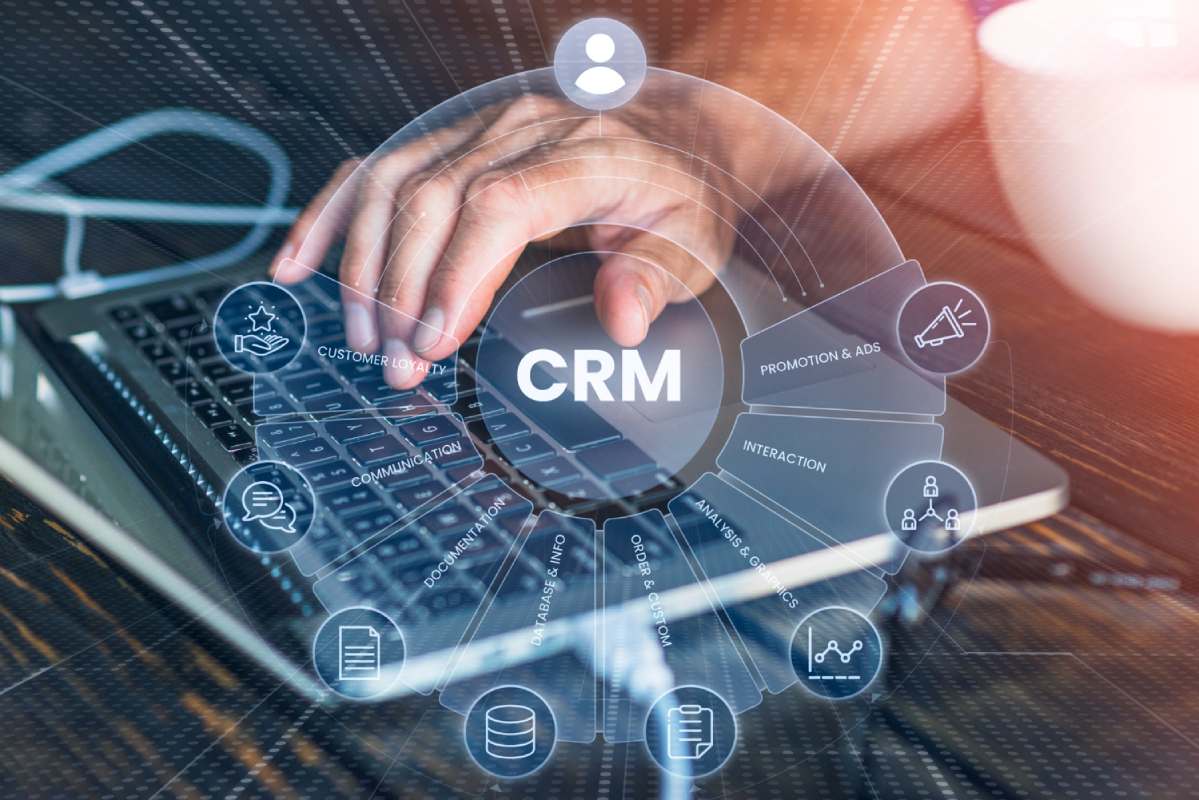
Running a small or medium-sized business (SMB) comes with unique challenges. One of the biggest is managing customer relationships efficiently. Customers are the heart of your business, and keeping track of every interaction, follow-up, and sale manually can quickly become overwhelming. This is where Customer Relationship Management (CRM) software comes in.
A CRM system centralizes all customer information in one place. It allows your team to track leads, manage communication, organize tasks, and analyze sales data. For SMBs, adopting a CRM is no longer optional—it’s a necessity for growth, efficiency, and competitive advantage.
Common SMB Challenges Without a CRM
Without a proper CRM system, SMBs often face:
-
Lost Leads: Important customer inquiries or potential leads can be overlooked, leading to missed sales opportunities.
-
Disorganized Communication: Emails, messages, and call notes may be scattered across platforms, making it difficult for teams to stay aligned.
-
Inefficient Sales Processes: Without tracking pipelines, it is hard to know which deals need attention and when to follow up.
-
Limited Insights: Decision-making is difficult without data on customer behavior, sales trends, and team performance.
How a CRM Improves Customer Management and Sales
A CRM system helps SMBs solve these challenges in several ways:
-
Centralized Customer Data: Every interaction is logged in one place, making it easy to understand customer history.
-
Better Follow-Ups: Automated reminders ensure leads are contacted at the right time.
-
Sales Pipeline Visibility: Managers can track deals through different stages, identify bottlenecks, and allocate resources efficiently.
-
Enhanced Collaboration: Teams can share notes, communicate seamlessly, and work together on closing deals.
-
Data-Driven Decisions: Analytics and reporting features allow businesses to make informed decisions about sales and marketing strategies.
Key Features SMBs Should Look For
Choosing the right CRM requires understanding the features that will bring the most value. Here are the essential features SMBs should consider:
1. Contact Management
Managing contacts is the core of any CRM. You should be able to store detailed customer information, track past interactions, and segment contacts for targeted marketing campaigns.
Example: An SMB selling office supplies can segment customers by industry, purchase frequency, and size to create personalized offers.
2. Sales Pipeline Tracking
A visual sales pipeline allows teams to monitor leads as they move through the sales process. This ensures no deal is forgotten and helps prioritize efforts.
Example: A marketing agency can track leads from initial contact, proposal submission, follow-up, to contract signed.
3. Email Integration
Integrating your CRM with email ensures all communication is logged automatically. This saves time and reduces the chance of lost information.
Example: A real estate SMB can track client emails, schedule follow-ups, and automate reminders to ensure timely responses.
4. Reporting and Analytics
Analytics are crucial for measuring performance. Look for CRM tools that offer customizable reports on sales, leads, conversion rates, and team productivity.
Example: Reports can show which sales reps are closing the most deals or which campaigns bring in the most revenue.
5. Automation of Repetitive Tasks
Automation reduces manual work and increases productivity. This includes automating email campaigns, lead assignments, follow-ups, and reminders.
Example: An e-commerce SMB can automate welcome emails, abandoned cart reminders, and post-purchase follow-ups.
Top CRM Tools for SMBs
Here’s a neutral overview of CRM tools suitable for SMBs, focusing on features, pricing, pros, and cons.
| CRM Tool | Features | Pricing | Pros | Cons |
|---|---|---|---|---|
| CRM A | Contact management, pipeline tracking, email integration | $15/user/month | Easy to use, scalable, beginner-friendly | Limited advanced analytics |
| CRM B | Automation, reporting, team collaboration | $25/user/month | Powerful automation, good integrations | Slight learning curve |
| CRM C | Cloud-based, mobile access, AI insights | $20/user/month | Accessible anywhere, AI suggestions | Pricing can increase with add-ons |
Note: Avoid overloading brands. Focus on usability and value for SMBs.
How to Choose the Right CRM for Your Business
Choosing a CRM can be overwhelming, but following these steps helps make the process easier.
Assess Business Size and Needs
-
Number of users: Ensure the CRM can accommodate your team.
-
Departmental needs: Sales, marketing, and customer service may have different requirements.
Budget vs Features
-
Prioritize features you actually need.
-
Avoid paying for tools or functions you won’t use.
User-Friendliness and Onboarding
-
Choose software that your team can quickly learn.
-
Check if onboarding and support are available.
Integration With Existing Tools
-
Ensure the CRM can connect with email, accounting software, marketing tools, and calendars.
-
Integrations reduce data silos and manual work.
Benefits of Using a CRM for SMBs
Improved Customer Communication
With centralized contact data, teams can respond faster, personalize messages, and track all interactions.
Increased Sales and Conversion
Better tracking of leads and automated follow-ups lead to higher conversion rates.
Better Team Collaboration
Teams can share notes, updates, and documents in one platform, reducing miscommunication.
Data-Driven Decision Making
Insights from analytics help managers make informed decisions, allocate resources wisely, and adjust strategies.
Common Mistakes SMBs Make When Implementing CRM
-
Choosing a Complex System: Avoid CRMs with unnecessary features that confuse the team.
-
Not Training Employees Properly: Ensure everyone knows how to use the system effectively.
-
Ignoring Integration With Other Tools: A disconnected CRM reduces efficiency.
-
Overlooking Mobile Accessibility: Remote access is crucial for sales reps on the go.
Tips for Successful CRM Implementation
Step-by-Step Onboarding
Introduce the CRM gradually. Start with a few core features, then expand to more advanced functions.
Regular Data Cleaning
Keep customer data accurate and updated. Remove duplicates and incorrect entries regularly.
Setting KPIs for Usage
Monitor adoption and usage metrics. Encourage employees to log every interaction and update customer information.
Encouraging Team Adoption
Highlight CRM benefits, provide incentives, and support employees during the learning phase.
Future of CRM for SMBs
AI-Powered CRM Features
AI can help prioritize leads, predict customer behavior, and provide insights for better sales strategies.
Example: AI can suggest which leads are most likely to convert, helping sales reps focus on high-value prospects.
Automation Trends
Future CRMs will automate repetitive tasks such as email follow-ups, reminders, reporting, and lead assignment.
Cloud-Based Systems
Cloud CRMs allow remote access from any device, improving flexibility and collaboration.
Personalization and Customer Insights
Advanced CRMs will offer hyper-personalized recommendations and insights based on customer behavior.
Practical Steps to Get Started With a CRM
-
Identify Your Needs: List must-have features like contact management, pipeline tracking, or email integration.
-
Test Free Versions: Many CRMs offer free trials. Explore functionality before committing.
-
Plan Onboarding: Train your team in stages and provide ongoing support.
-
Set Goals and KPIs: Define metrics such as lead response time, conversion rate, and sales pipeline health.
-
Review and Optimize: Regularly review CRM usage, analyze reports, and adjust processes for efficiency.
Mini Case Study: How SMBs Benefit From CRM
Example: A small digital marketing agency with 10 employees adopted a CRM to manage leads.
-
Before CRM: Leads were tracked in spreadsheets, follow-ups were missed, and team communication was inconsistent.
-
After CRM: Automated lead tracking, centralized communication, and clear pipeline visibility increased conversion rates by 30% in six months.
-
Lessons Learned: Start small, train the team, and leverage automation to improve efficiency.
Conclusion & Next Steps
A CRM is a powerful tool for SMBs to manage customer relationships, increase sales, and improve collaboration. Starting with a simple, user-friendly system, focusing on essential features, and scaling as your business grows is the key to success.